How Rootz works, step by step
Every step from account creation to billing — here is exactly what happens on your team's Rootz journey.
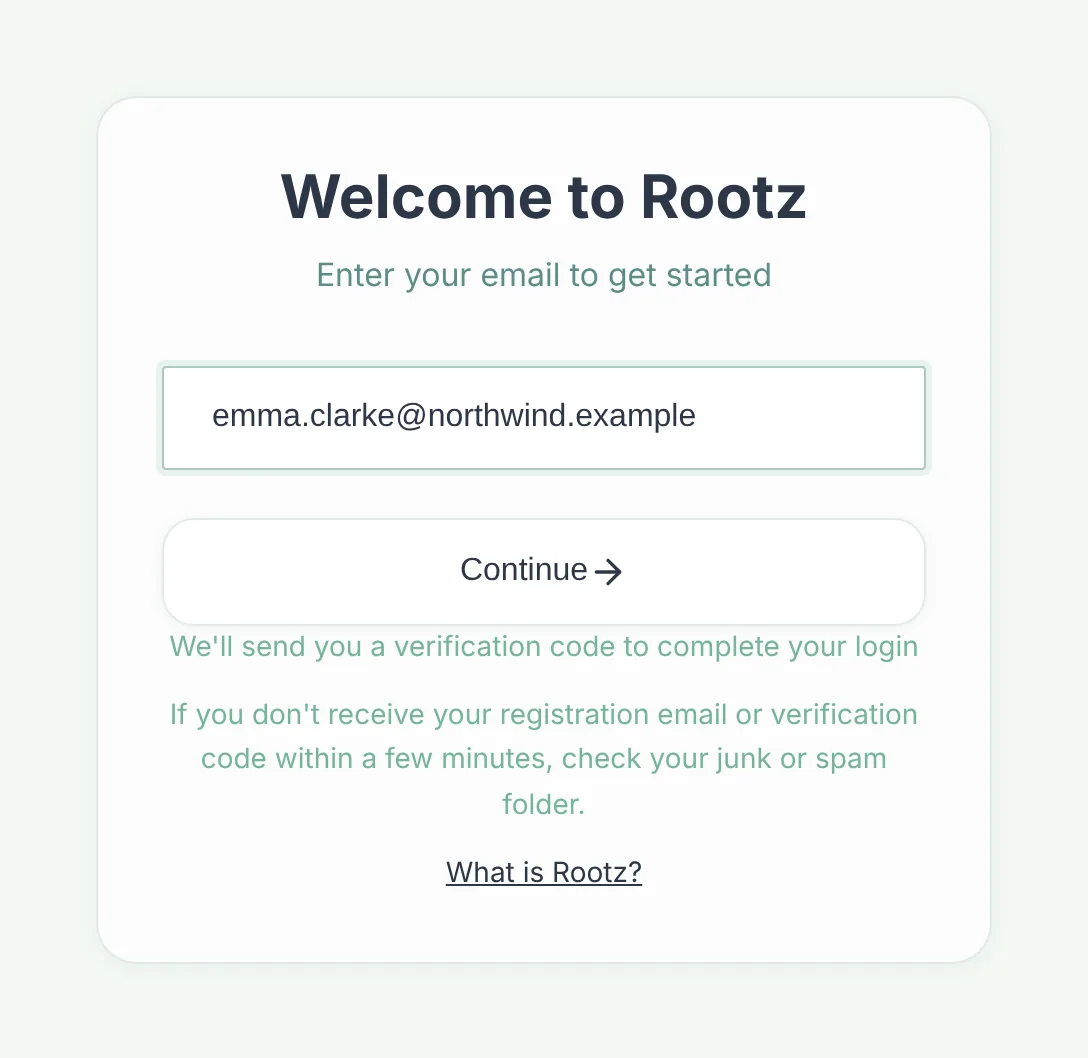
Create your account — no password needed
Go to Rootz and enter your email. You receive a one-time login code instantly — no passwords to remember or forget. Enter the code and you are in. The first time you log in, you enter your name so your teammates can identify you.
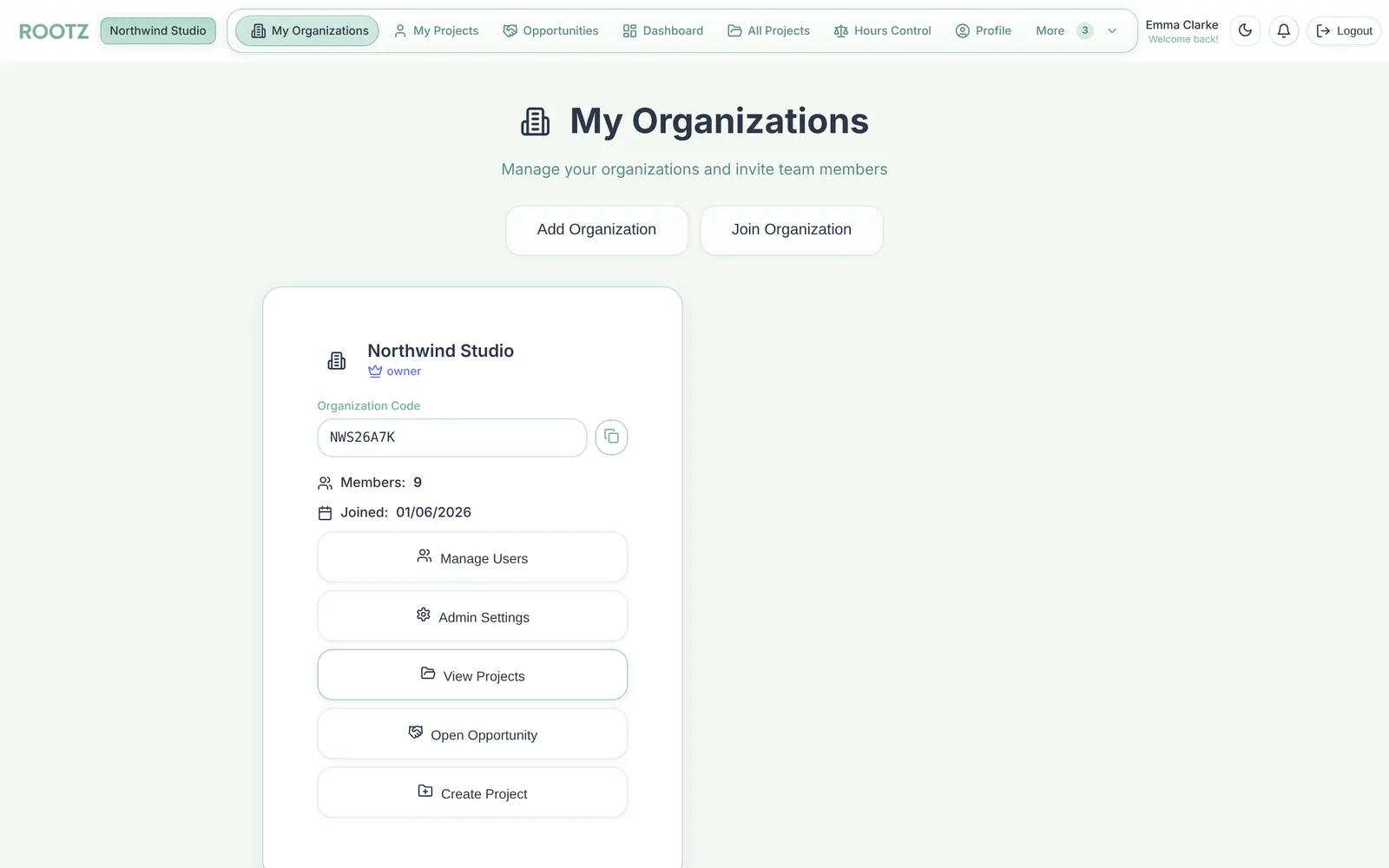
Create or join an organisation
Create a new organisation (you become the owner) or join an existing one by entering the organisation code shared by your colleague. Rootz supports multiple organisations — useful if you manage separate entities or client groups. A short setup wizard walks you through adding your first client, team, and project.
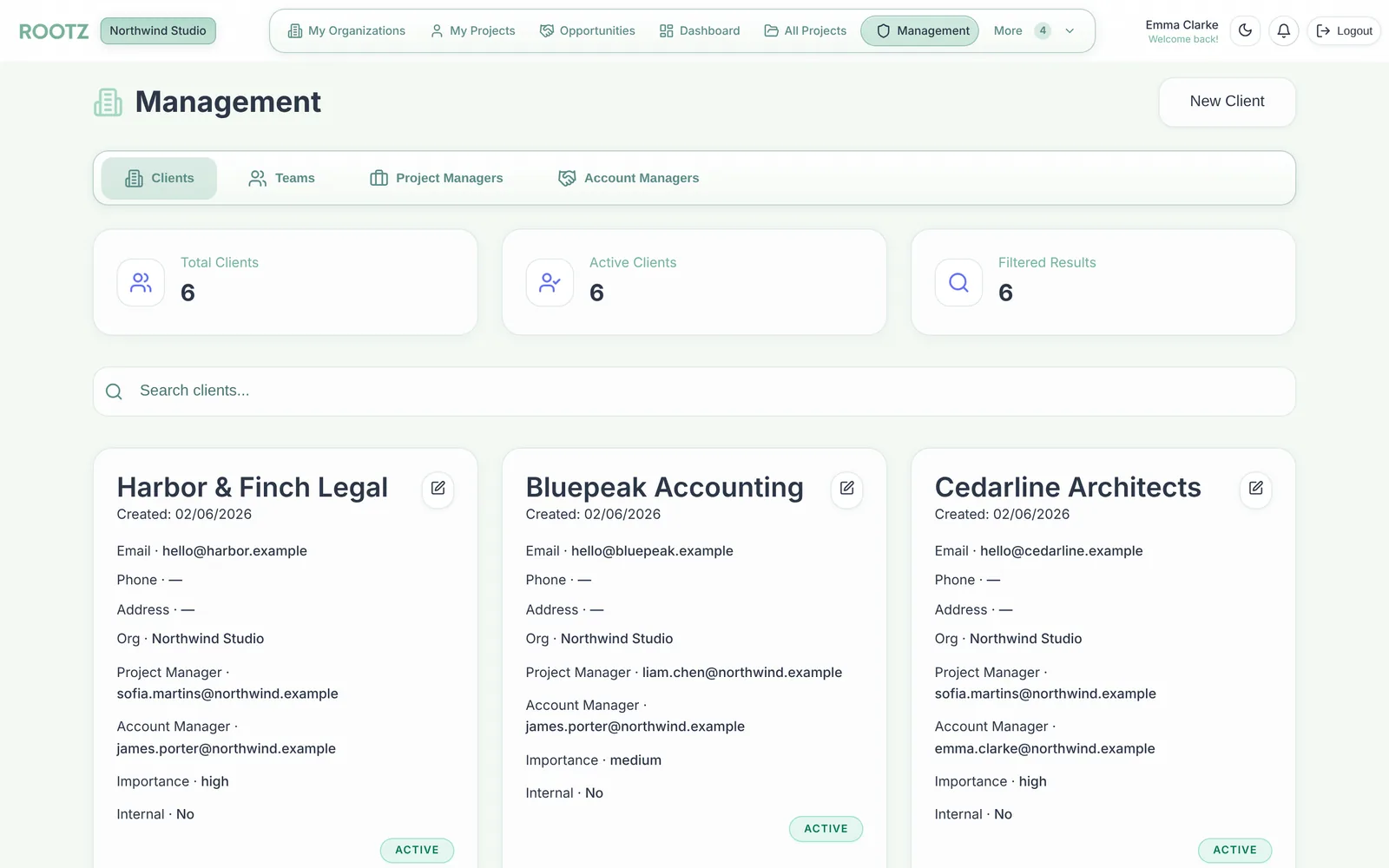
Add clients and build your team
Add the clients you work for — name, email, phone, and address. Create teams with team leaders and members. Assign role-based permissions so each person sees and can edit only what they should: owners, admins, and regular members each have clearly scoped access.
Create projects and allocate hour budgets
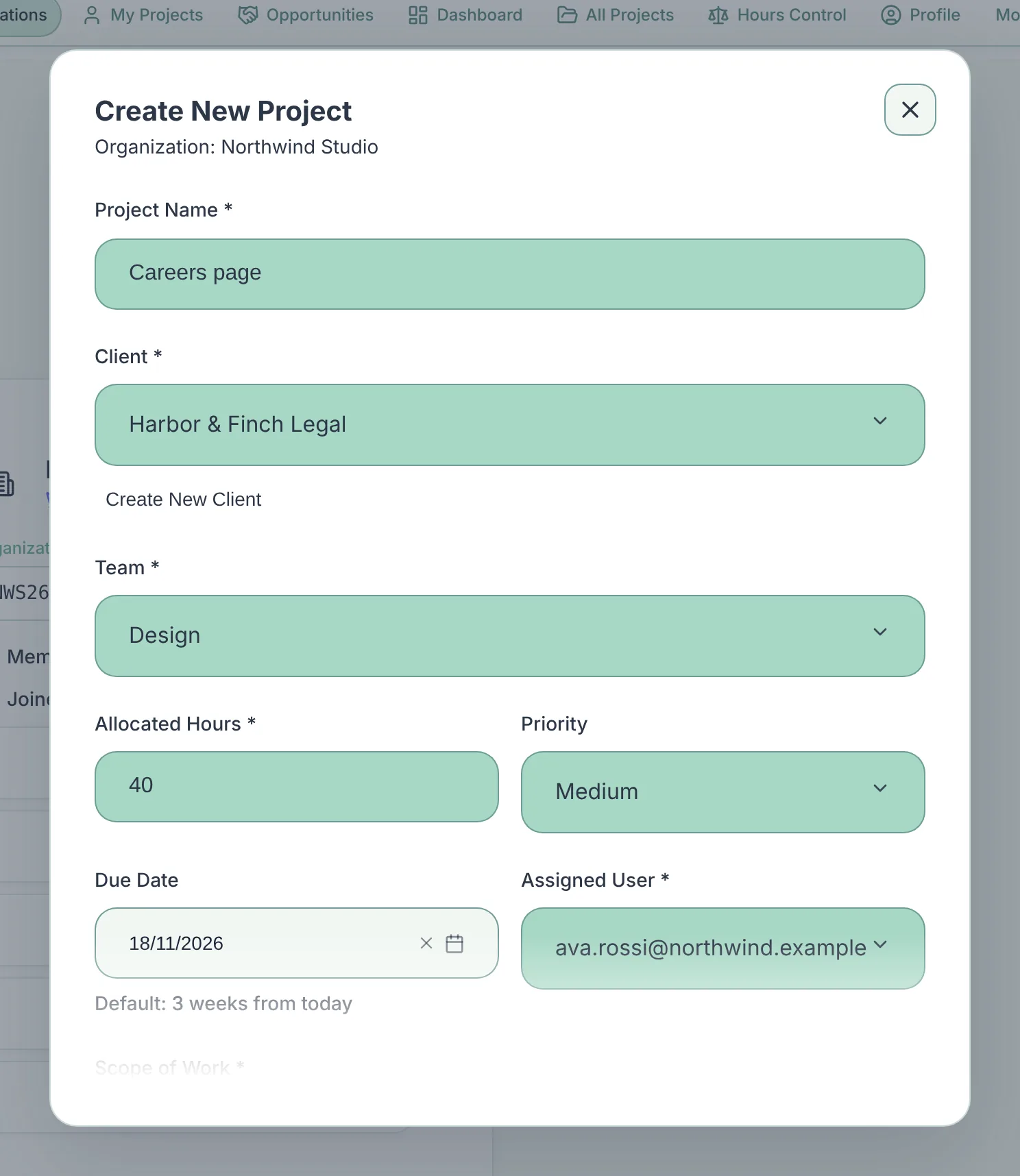
Create a project linked to a client and a team. Set an hour budget for the project — how many billable hours are allocated. When the work needs to be split later, you carve sub-projects out of this budget — see the next step.
Split work into sub-projects by transferring hours
When an engagement grows — a separate filing, a new workstream, a task for one specialist — open the project and click Transfer Hours. Choose how many hours to move, name the sub-project, assign the person responsible and add a reason. Rootz creates the sub-project with exactly those hours and deducts them from the parent's remaining budget, so the total for the client never changes.
- The sub-project inherits the parent's client, team, owner, scope and due date.
- The assignee is notified by email and in the app.
- Every transfer is logged — who moved how many hours, when, and why.
- Pull hours from several team members' allocations into one sub-project in a single step.
Log hours as work happens
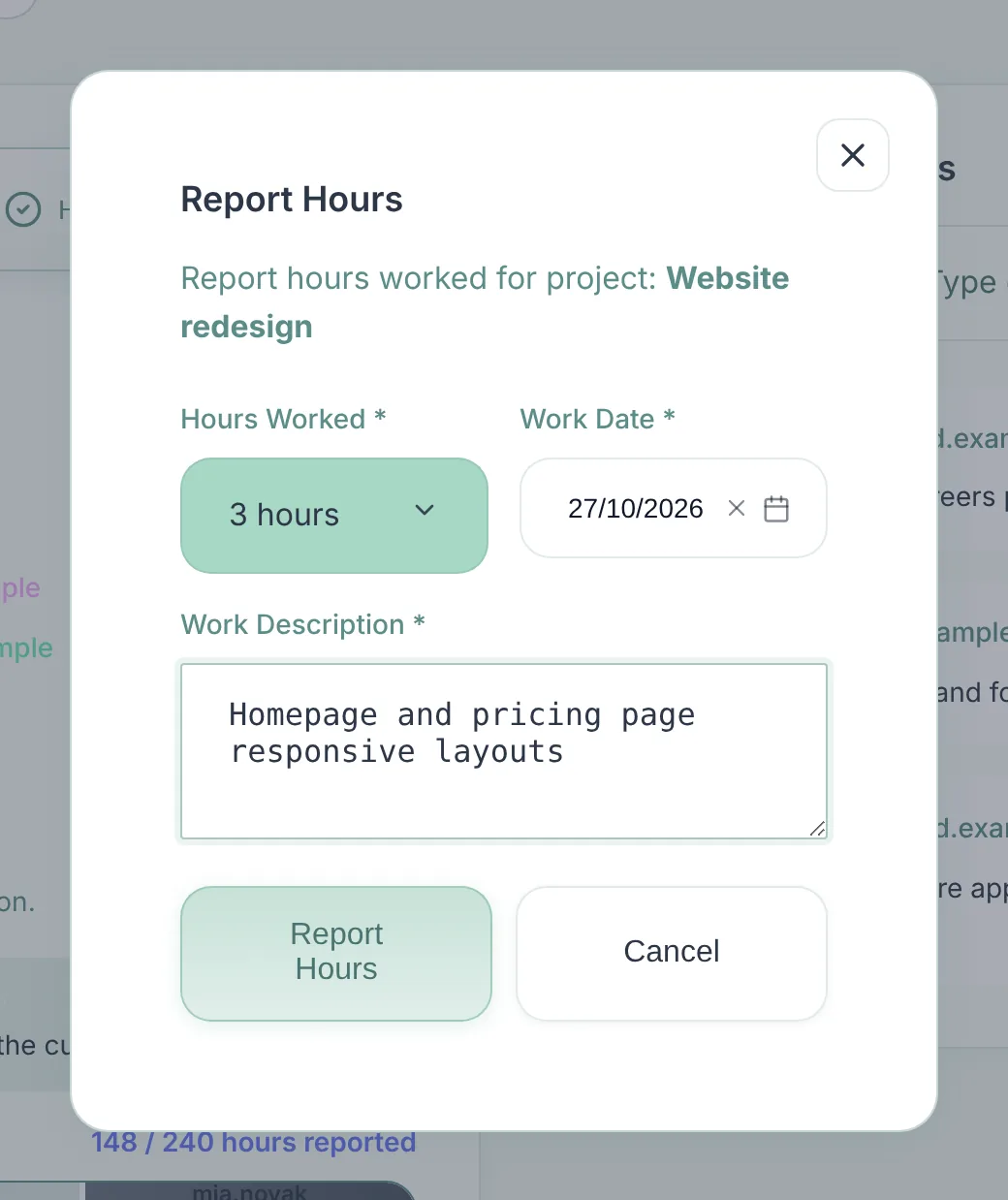
Team members log time against any project in seconds. Add a description of the work done. Rootz instantly updates remaining vs. consumed hours for the project — visible to the whole team. Add comments with @mentions to keep project conversations in context. Smart alerts notify you before a project goes over budget.
Report, bill, and manage from your dashboard
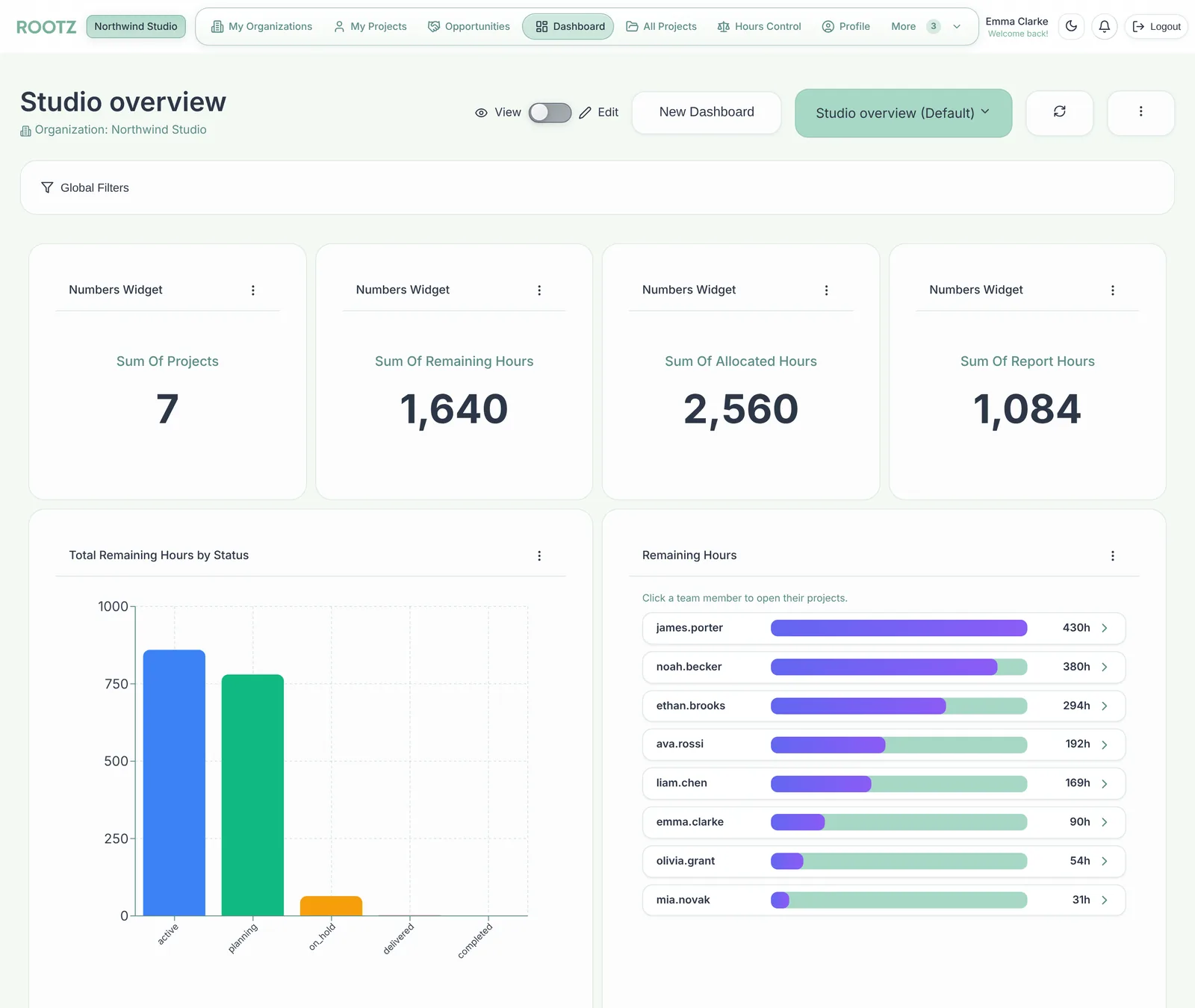
Build custom dashboards with the widgets you need: remaining hours, workload tracker, Gantt timelines, KPI numbers, team summaries, and more. Export billing summaries and hour reports to Excel in one click. Share a live project health view with clients. Everything you need to deliver projects and invoice accurately.